
Writing has become a daily requirement for almost everyone. Students prepare assignments, professionals write emails, marketers create campaigns, businesses communicate with customers, and creators publish content across multiple platforms.
A small grammar mistake, unclear sentence, or wrong tone can affect how a message is received.
This is where Grammarly has become one of the most recognized AI writing assistants. Originally known as a grammar correction tool, Grammarly has expanded into a complete writing platform powered by artificial intelligence.
Today, it helps users improve grammar, rewrite sentences, adjust tone, generate ideas, and create clearer communication across apps and websites.
But with many new AI writing tools available, is Grammarly still worth using in 2026?
This review covers Grammarly’s features, benefits, limitations, pricing, and whether it is the right writing assistant for your needs.
What Is Grammarly?
Grammarly is an AI-powered writing assistant designed to help users improve written communication.
It analyzes text and provides suggestions related to:
- Grammar
- Spelling
- Punctuation
- Clarity
- Sentence structure
- Writing tone
- Style
- Word choice
Unlike a basic spell checker, Grammarly evaluates the context of your writing and suggests improvements based on meaning and readability.
The platform is used by:
- Students
- Writers
- Business professionals
- Content creators
- Marketing teams
- Researchers
It works across emails, documents, browsers, and many online platforms.
How Does Grammarly Work?
Grammarly uses artificial intelligence and natural language processing technology to understand written text.
A typical workflow:
- User writes or uploads content.
- Grammarly analyzes the text.
- Issues are highlighted.
- AI suggests improvements.
- User accepts, rejects, or edits suggestions.
The goal is not only correcting mistakes but improving how effectively your message communicates.
Grammarly Features
1. Grammar and Spelling Checker
Best for Error-Free Writing
Grammar correction remains Grammarly’s strongest feature.
It detects:
- Spelling mistakes
- Grammar problems
- Missing punctuation
- Incorrect words
- Sentence errors
- Formatting issues
For example:
Before:
“She dont know about the meeting.”
After:
“She doesn’t know about the meeting.”
These real-time suggestions help users fix mistakes while writing instead of editing everything later.
2. AI Writing Assistant
Best for Faster Content Creation
Modern Grammarly includes generative AI features that help users create and improve content.
Users can generate:
- Email drafts
- Ideas
- Summaries
- Replies
- Paragraph improvements
- Alternative versions
Useful examples:
A professional can create a formal email.
A marketer can rewrite promotional copy.
A student can improve assignment clarity.
The AI assistant focuses on supporting the writing process rather than completely replacing human creativity.
3. Sentence Rewriting
Grammarly helps improve sentences by suggesting:
- Shorter wording
- Better structure
- More natural phrasing
- Clearer explanations
Example:
Original:
“Due to the fact that the meeting was delayed, we were unable to complete our discussion.”
Improved:
“Because the meeting was delayed, we couldn’t finish our discussion.”
This feature is especially helpful for professional communication.
4. Tone Detection
A technically correct message can still sound inappropriate.
Grammarly analyzes writing tone and identifies whether text sounds:
- Friendly
- Confident
- Formal
- Casual
- Professional
This is useful for:
- Business emails
- Customer communication
- Job applications
- Social media posts
5. Plagiarism Checker
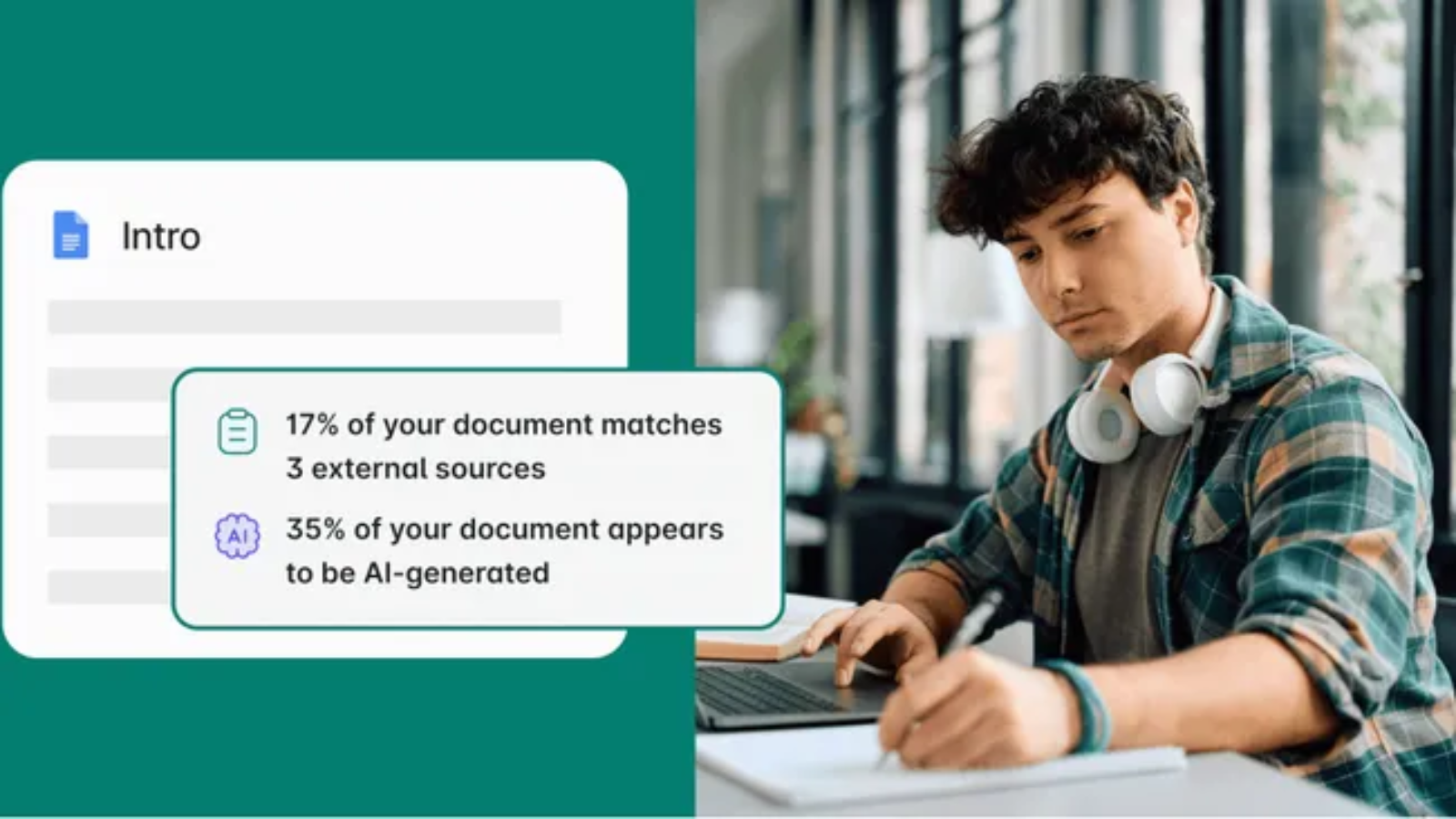
Grammarly Premium includes plagiarism detection designed for academic and professional writing.
It helps identify:
- Similar online content
- Missing citations
- Potential originality problems
This feature is especially useful for:
- Students
- Researchers
- Writers
- Publishers
6. Writing Goals
Users can customize suggestions based on:
- Audience
- Formality
- Intent
- Writing style
Examples:
A business proposal needs a different tone compared with a personal blog post.
Grammarly adjusts recommendations based on these goals.
7. Grammarly Browser Extension
One of Grammarly’s biggest advantages is accessibility.
The browser extension works across:
- Gmail
- Google Docs
- Social platforms
- Online editors
- Websites
It provides writing support without requiring users to copy text into another application.
8. Grammarly Desktop and Mobile Apps
Grammarly supports:
- Windows
- macOS
- Android
- iOS
- Browser extensions
This allows users to improve writing across multiple devices.
Grammarly Free vs Premium
Grammarly Free
Includes:
- Basic grammar correction
- Spelling checks
- Punctuation suggestions
- Basic tone detection
Best for:
- Casual writing
- Students
- Everyday users
Grammarly Premium
Adds:
- Advanced grammar suggestions
- Sentence rewriting
- Tone improvements
- Vocabulary suggestions
- AI writing features
- Plagiarism detection
Best for:
- Professionals
- Writers
- Businesses
- Content creators
Grammarly Pros and Cons
Pros
✔ Excellent grammar correction
✔ Easy to use
✔ Works across many platforms
✔ Real-time suggestions
✔ AI writing assistance
✔ Helpful tone improvements
✔ Beginner-friendly interface
Cons
✘ Premium features require subscription
✘ Suggestions are not always perfect
✘ Requires internet connection
✘ Not a replacement for human editing
Grammarly vs Traditional Spell Checkers
| Feature | Grammarly | Basic Spell Checker |
|---|---|---|
| Grammar correction | Advanced | Basic |
| Tone analysis | Yes | No |
| AI rewriting | Yes | No |
| Context understanding | Strong | Limited |
| Style suggestions | Yes | Limited |
| Browser support | Extensive | Limited |
Traditional spell checkers catch mistakes. Grammarly focuses on improving communication quality.
Grammarly vs QuillBot
Both tools improve writing but focus on different areas.
| Feature | Grammarly | QuillBot |
|---|---|---|
| Grammar checking | Excellent | Good |
| Paraphrasing | Good | Excellent |
| Tone suggestions | Strong | Limited |
| Professional writing | Strong | Good |
| Summarizing | Available | Strong |
Choose Grammarly for editing and communication improvement.
Choose QuillBot mainly for rewriting and paraphrasing.
Who Should Use Grammarly?
Students
Useful for:
- Essays
- Assignments
- Reports
- Research writing
Professionals
Helpful for:
- Emails
- Presentations
- Business documents
Writers and Bloggers
Supports:
- Articles
- Editing
- Proofreading
- Content improvement
Businesses
Teams can improve:
- Brand communication
- Customer responses
- Internal documents
Is Grammarly Accurate?
Grammarly is highly effective for catching common writing issues.
However, users should review suggestions manually because:
- AI may misunderstand context.
- Creative writing styles vary.
- Technical language may require expert review.
The best approach is using Grammarly as an assistant rather than accepting every suggestion automatically.
How AI Is Changing Grammarly
AI has transformed Grammarly from a correction tool into a broader writing assistant.
Modern AI features focus on:
- Generating drafts
- Improving clarity
- Adjusting tone
- Understanding context
- Increasing productivity
AI writing assistants continue moving toward personalized support that adapts to individual writing styles.
Grammarly Alternatives
Popular alternatives include:
QuillBot
Best for paraphrasing and rewriting.
ProWritingAid
Best for detailed writing reports.
Microsoft Editor
Best for Microsoft 365 users.
LanguageTool
Best open-source style alternative.
Is Grammarly Worth It in 2026?
Yes, Grammarly remains one of the strongest AI writing assistants for users who regularly write online.
The free version is enough for basic corrections, while Premium offers more value for:
- Professionals
- Writers
- Students
- Businesses
Its biggest strength is convenience—Grammarly improves writing wherever you already work.
Final Verdict
Grammarly has successfully evolved from a simple grammar checker into a complete AI-powered writing assistant.
Its real-time corrections, tone analysis, rewriting suggestions, AI assistance, and broad platform support make it useful for almost anyone who writes regularly.
While it cannot replace creativity, expertise, or human judgment, Grammarly is excellent at making writing clearer, cleaner, and more professional.
For students, professionals, marketers, and everyday users, Grammarly remains one of the best writing improvement tools available in 2026.
Frequently Asked Questions
What is Grammarly?
Grammarly is an AI-powered writing assistant that checks grammar, spelling, clarity, tone, and helps improve written communication.
Is Grammarly free?
Yes. Grammarly offers a free version with basic writing corrections. Premium plans unlock advanced features.
Is Grammarly good for students?
Yes. Students use Grammarly for essays, assignments, proofreading, and improving writing clarity.
Can Grammarly write content using AI?
Yes. Grammarly includes AI writing tools that can help generate drafts, rewrite text, and improve communication.
Is Grammarly better than QuillBot?
Grammarly is better for grammar, editing, and tone improvement. QuillBot is stronger for paraphrasing and rewriting.