
Technology has changed how classrooms operate. Assignments that once required printed papers, handwritten feedback, and physical submissions can now be managed from a single online workspace.
One of the most widely used platforms behind this shift is Google Classroom.
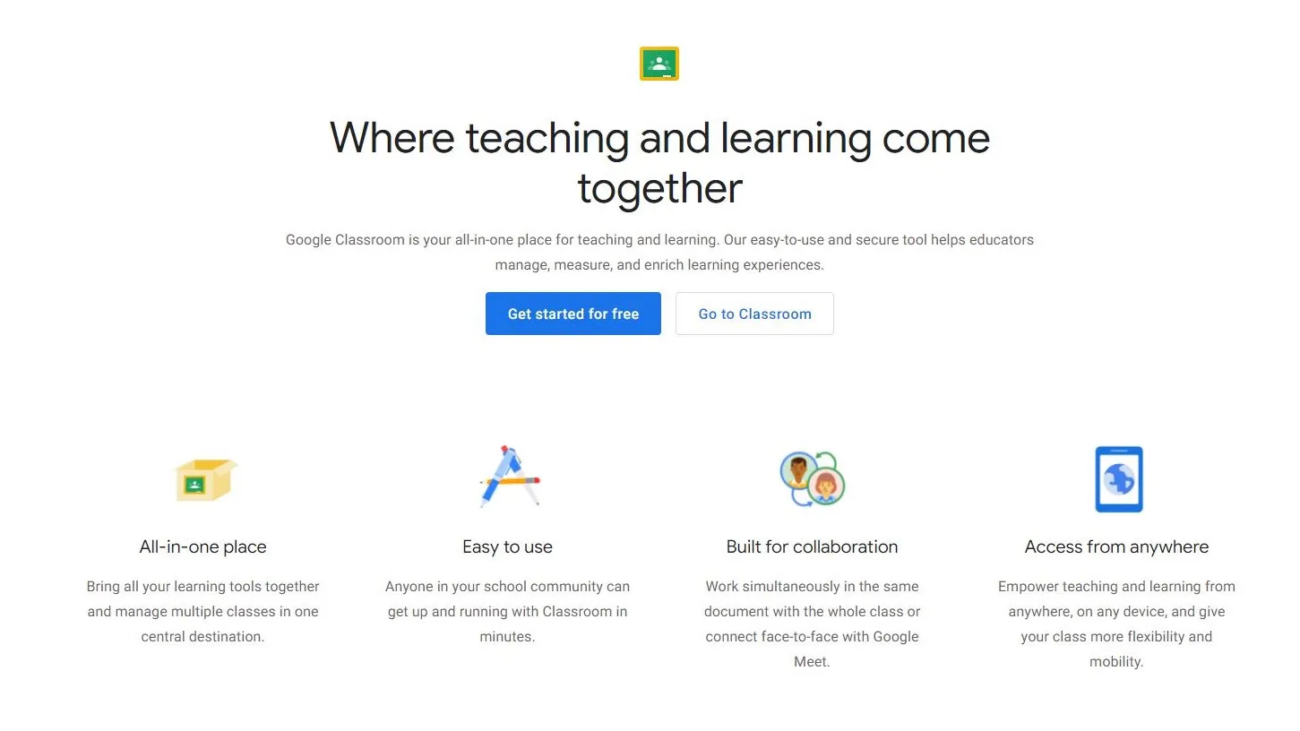
Designed as part of Google’s education ecosystem, Google Classroom helps teachers create classes, distribute assignments, communicate with students, organize learning materials, and manage coursework digitally. Its biggest strength is not trying to replace traditional teaching—it simplifies the administrative work around education.
For schools already using Google tools like Docs, Drive, Gmail, and Meet, Classroom provides a familiar environment that requires very little technical experience.
This Google Classroom review explores its features, advantages, limitations, pricing, and whether it remains a strong learning platform in 2026.
What Is Google Classroom?
Google Classroom is a cloud-based learning management platform developed by Google to help educators manage teaching activities online.
It allows teachers to:
- Create virtual classrooms
- Share study materials
- Assign homework
- Collect submissions
- Provide feedback
- Grade assignments
- Communicate with students
Students can access their coursework, submit assignments, view teacher comments, and collaborate with classmates from almost any device.
Google Classroom works through:
- Web browsers
- Android devices
- iPhones
- Tablets
- Chromebooks
Because it connects deeply with Google Workspace for Education, many schools use it as their central digital classroom solution.
How Google Classroom Works
Google Classroom creates a digital space where teachers and students interact.
A typical workflow looks like this:
- Teacher creates a classroom.
- Students join using a class code or invitation.
- Teacher uploads lessons and assignments.
- Students complete work digitally.
- Teacher reviews submissions.
- Grades and feedback are returned online.
Files are automatically organized through Google Drive, reducing the need to manually manage documents.
Google Classroom Features
1. Assignment Management
Assignment handling is one of Google Classroom’s strongest features.
Teachers can create:
- Homework
- Quizzes
- Projects
- Reading tasks
- Group activities
They can attach:
- Google Docs
- Slides
- Sheets
- Forms
- PDFs
- Videos
- External resources
Teachers can also set deadlines, track submissions, and provide feedback digitally.
2. Google Workspace Integration
The biggest advantage of Google Classroom is its connection with other Google tools.
It works smoothly with:
Google Docs
Students can write assignments and collaborate in real time.
Google Drive
Stores classroom files automatically.
Google Meet
Supports online video classes.
Google Calendar
Tracks deadlines and schedules.
Gmail
Helps teachers communicate with students.
This integration creates a connected learning environment without requiring multiple separate applications.
3. Online Classes with Google Meet
Remote learning has made video communication an important feature.
Google Classroom connects with Google Meet, allowing teachers to:
- Start virtual classes
- Host discussions
- Communicate remotely
- Support hybrid learning
This makes it useful for:
- Online schools
- Distance education
- Extra learning sessions
- Remote students
4. Grading and Feedback Tools
Google Classroom simplifies evaluation.
Teachers can:
- Assign grades
- Add comments
- Return assignments
- Track student progress
Instead of waiting for physical papers, students receive feedback directly online.
This creates faster communication between teachers and learners.
5. Student Collaboration
Learning is not only about receiving assignments.
Google Classroom supports collaboration through:
- Shared documents
- Group projects
- Discussions
- Comments
Students can work together using Google Workspace apps while teachers monitor progress.
6. Mobile Learning Support
Google Classroom offers mobile apps, making education accessible beyond computers.
Students can:
- Check assignments
- Upload homework
- Receive notifications
- View grades
- Communicate with teachers
This flexibility helps students continue learning from different locations.
Google Classroom Pricing
One major advantage of Google Classroom is accessibility.
Google Classroom is available as part of Google Workspace for Education, which includes a free education edition along with paid plans offering additional administrative and security features.
Common versions include:
| Plan | Best For |
|---|---|
| Education Fundamentals | Schools needing basic tools |
| Education Standard | Advanced security needs |
| Teaching and Learning Upgrade | Enhanced classroom features |
| Education Plus | Larger institutions |
For many schools, the free version provides enough functionality for daily classroom management.
Google Classroom Pros and Cons
Pros
Easy to Use
The interface is clean and beginner-friendly.
Teachers can create and manage classes without advanced technical knowledge.
Strong Google Integration
The connection with Docs, Drive, Gmail, and Meet creates a smooth workflow.
Free Access for Education
Many essential features are available without expensive software subscriptions.
Works Across Devices
Students can access learning materials from laptops, tablets, and smartphones.
Paperless Learning
Assignments, feedback, and resources can be managed digitally.
Cons
Limited Advanced LMS Features
Compared with full learning management systems, Google Classroom lacks some advanced tools such as:
- Detailed analytics
- Complex course design
- Advanced automation
Depends on Google Ecosystem
The experience works best when users rely on Google apps.
Schools using other platforms may find integration less convenient.
Internet Dependency
Although some Google tools support offline access, the best experience requires a stable internet connection.
Google Classroom vs Traditional LMS Platforms
| Feature | Google Classroom | Advanced LMS |
|---|---|---|
| Ease of Use | Excellent | Varies |
| Setup Time | Fast | Longer |
| Assignment Management | Strong | Strong |
| Advanced Reporting | Basic | Advanced |
| Customization | Limited | High |
| Best Users | Schools & Teachers | Universities & Enterprises |
Google Classroom focuses on simplicity, while larger LMS platforms often provide deeper administrative controls.
Who Should Use Google Classroom?
Google Classroom is ideal for:
Teachers
Who need a simple way to organize lessons and assignments.
Schools
Looking for affordable digital learning solutions.
Students
Who want easy access to coursework and feedback.
Remote Learning Programs
Managing online or hybrid education.
Google Classroom Alternatives
Popular alternatives include:
Microsoft Teams for Education
Best for schools already using Microsoft tools.
Moodle
Best open-source LMS with advanced customization.
Canvas LMS
Popular among universities and higher education institutions.
Blackboard Learn
Designed for enterprise-level education management.
AI and the Future of Google Classroom
Artificial intelligence is becoming increasingly important in education technology.
Google has started adding AI-powered tools through its education ecosystem, including Gemini-based features designed to help educators create learning materials faster.
Future classroom platforms may focus more on:
- Personalized learning
- Automated summaries
- AI study assistance
- Smart feedback
- Learning analytics
The challenge will be balancing automation with meaningful teacher-student interaction.
Is Google Classroom Worth Using?
For most schools and educators, yes.
Google Classroom succeeds because it focuses on solving everyday teaching problems rather than overwhelming users with unnecessary complexity.
It is especially valuable for institutions already using Google Workspace because everything works together naturally.
However, universities or organizations requiring advanced reporting, certification systems, or complex course management may prefer a more powerful LMS.
Final Verdict
Google Classroom remains one of the most practical digital learning platforms available in 2026.
Its biggest strengths are simplicity, accessibility, Google Workspace integration, and a smooth experience for teachers and students. It removes much of the administrative burden from education by making assignments, communication, grading, and file sharing easier.
While it may not replace advanced enterprise learning management systems, Google Classroom continues to be an excellent solution for schools, teachers, and learners who need a reliable and easy-to-use online classroom environment.
Frequently Asked Questions
What is Google Classroom?
Google Classroom is an online learning platform that helps teachers create classes, distribute assignments, communicate with students, and manage coursework digitally.
Is Google Classroom free?
Yes. Google Classroom is available through Google Workspace for Education, including a free version for eligible educational institutions.
Can students use Google Classroom on mobile?
Yes. Google Classroom works through web browsers and mobile apps for Android and iOS devices.
Is Google Classroom good for online teaching?
Yes. It provides assignment management, communication tools, Google Meet integration, and digital collaboration features suitable for online learning.
What is the biggest disadvantage of Google Classroom?
Its main limitation is that it lacks some advanced LMS features such as deep analytics, extensive customization, and complex course management tools.