
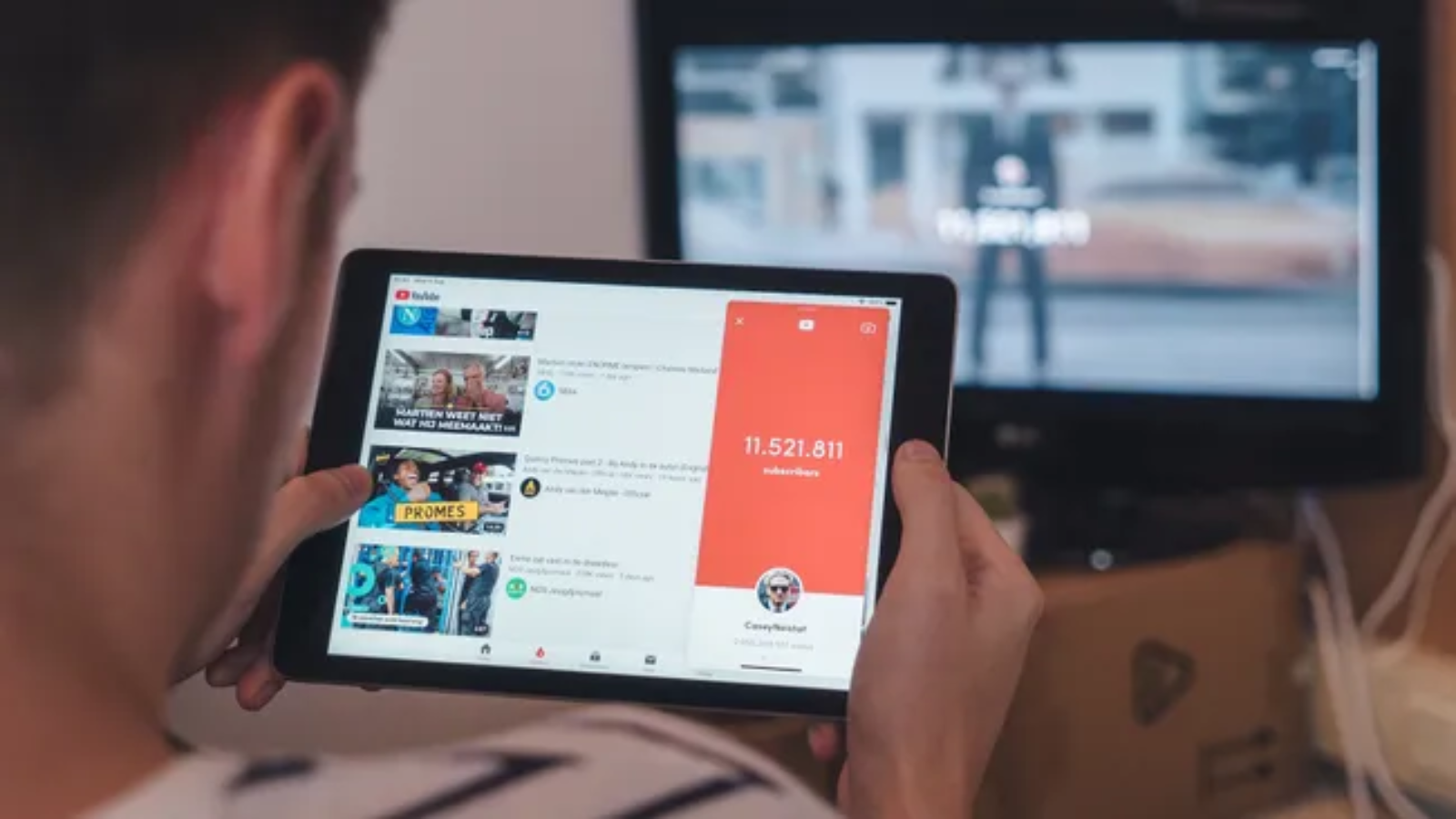
YouTube has become the world’s largest video library, hosting everything from educational courses and software tutorials to documentaries, podcasts, and creative content. While streaming is convenient, there are plenty of situations where offline access makes more sense—whether you’re traveling, working with an unreliable internet connection, or simply want to save a lecture to watch later.
That’s where a free YouTube downloader comes in.
The challenge isn’t finding one—it’s finding one that’s reliable, secure, and doesn’t bury you under intrusive ads or questionable software. Many downloaders disappear overnight, while others promise premium features but deliver a frustrating user experience.
This guide looks at some of the best free YouTube downloader tools available today, explains what features actually matter, and highlights the legal and security considerations every user should understand before downloading videos.
What Is a Free YouTube Downloader?
A free YouTube downloader is software or a web-based tool that lets users save YouTube videos for offline viewing. Depending on the application, you may be able to download:
- Individual videos
- Entire playlists
- YouTube Shorts
- Audio-only files
- Subtitles
- Multiple resolutions, including HD and 4K (where supported)
Some tools run directly in your browser, while others are desktop applications offering faster downloads, batch processing, and advanced format conversion.
What Makes a Good YouTube Downloader?
Not every downloader offers the same experience. The best options typically provide:
- Fast download speeds
- Clean, ad-light interface
- Multiple video formats
- Audio extraction
- Playlist support
- High-resolution downloads
- Regular software updates
- No bundled malware
Security and long-term maintenance matter just as much as features. A downloader that isn’t actively updated may eventually stop working as YouTube changes its platform.
Best Free YouTube Downloader Tools
1. 4K Video Downloader
Best for: High-quality video downloads
4K Video Downloader has earned a strong reputation for its polished interface and dependable performance. It supports downloads in multiple resolutions, including 1080p, 4K, and even 8K when available.
Pros
- Clean interface
- Playlist support
- Subtitle downloads
- Cross-platform compatibility
- Reliable updates
Limitations
- Free version limits some advanced features.
- Batch downloading is restricted compared to the paid edition.
2. ClipGrab
Best for: Beginners
ClipGrab keeps things simple.
Paste a YouTube URL, choose the format, and start downloading. It also includes built-in search functionality, reducing the need to switch between applications.
Pros
- Completely free
- Easy setup
- MP3 conversion
- Lightweight application
Limitations
- Limited advanced settings
- Basic interface
3. Any Video Converter Free
Despite its name, this software does much more than convert video formats.
It can download videos from numerous platforms and convert them into formats optimized for smartphones, tablets, gaming consoles, and desktop devices.
Strengths
- Multiple output formats
- Fast conversion
- Video editing features
- Wide device compatibility
4. JDownloader
JDownloader is an open-source download manager designed for power users.
It supports numerous websites beyond YouTube and offers advanced automation features.
Best Features
- Batch downloads
- Automatic link detection
- Resume interrupted downloads
- Extensive plugin support
Because of its feature-rich interface, it may feel overwhelming for first-time users.
5. yt-dlp
If flexibility matters more than graphical design, yt-dlp remains one of the most capable tools available.
Built from the well-known youtube-dl project, it supports hundreds of websites and offers extensive command-line options.
Developers, IT professionals, and advanced users often choose yt-dlp because it:
- Receives frequent updates
- Supports playlists
- Downloads subtitles
- Extracts audio
- Allows custom download scripts
The trade-off is a steeper learning curve compared to desktop applications.
Browser-Based Downloaders: Convenient but Risky
Many websites claim to download YouTube videos without requiring software installation.
While they may work occasionally, they also come with several drawbacks:
- Aggressive advertising
- Pop-ups
- Fake download buttons
- Malware risks
- Frequent downtime
Privacy-conscious users generally benefit more from established desktop applications than unknown browser-based services.
Desktop Apps vs Online Downloaders
| Feature | Desktop Software | Online Downloader |
|---|---|---|
| Speed | Excellent | Moderate |
| Batch Downloads | Yes | Rare |
| Playlist Support | Yes | Limited |
| 4K Downloads | Usually | Limited |
| Ads | Minimal | Often excessive |
| Reliability | Higher | Varies |
For anyone downloading videos regularly, desktop software typically offers a safer and more consistent experience.
Can You Download Entire Playlists?
Yes—many desktop downloaders support full playlist downloads.
This feature is especially useful for:
- Educational courses
- Conference recordings
- Music collections
- Tutorial series
- Language-learning playlists
Instead of downloading dozens of videos individually, users can queue an entire playlist with a single action.
What About Downloading Audio?
Many downloaders can also extract audio from YouTube videos.
Popular output formats include:
- MP3
- AAC
- M4A
- OGG
- WAV
This is useful for podcasts, lectures, interviews, and other spoken-word content where video isn’t necessary.
Is Downloading YouTube Videos Legal?
This is where many users get confused.
Downloading videos may violate YouTube’s Terms of Service unless:
- The creator explicitly allows downloads.
- The video is offered through YouTube’s official offline feature.
- The content is in the public domain.
- You own the content yourself.
Copyright laws differ between countries, so users should always ensure they have permission before downloading or redistributing copyrighted material.
If your goal is simply offline viewing, consider using YouTube’s official download feature where it’s available.
Security Tips Before Installing Any Downloader
Not every downloader deserves your trust.
Before installing software:
- Download only from the developer’s official website.
- Avoid cracked or modified versions.
- Check recent user reviews.
- Scan downloads with antivirus software.
- Keep the application updated.
If a tool asks for unnecessary permissions or attempts to install unrelated software, it’s usually best to remove it immediately.
How AI Is Improving Video Download Tools
Recent software updates have introduced AI-powered features beyond simple downloading.
Some applications now include:
- Automatic subtitle generation
- Speech-to-text transcription
- Smart chapter detection
- Audio enhancement
- Video summarization
- Format recommendations
As AI becomes more integrated into productivity software, expect downloaders to evolve into broader media management platforms rather than simple download utilities.
Who Benefits Most from YouTube Downloaders?
Different users have different needs.
Students
Download lectures and educational playlists for offline study.
Travelers
Save videos before flights or long commutes where internet access is limited.
Content Creators
Archive reference material, tutorials, and royalty-free assets.
Professionals
Keep training videos available during presentations or remote work.
Researchers
Store educational resources for analysis without relying on constant internet access.
Choosing the Right Downloader
Before deciding, ask yourself:
- Do you need playlists?
- Will you download in 4K?
- Is audio extraction important?
- Do you prefer desktop software or browser tools?
- Will you use it occasionally or every day?
For casual users, a simple interface may matter most.
Power users may prefer applications with advanced download controls, scheduling, and automation.
Future Outlook
Video consumption continues to grow, and offline access remains important despite widespread streaming.
As internet infrastructure improves, downloaders will likely shift toward intelligent media management, integrating AI-powered organization, automatic tagging, subtitle generation, and cloud synchronization.
At the same time, copyright enforcement and platform policies will continue evolving, making it increasingly important to choose legitimate software and respect content creators’ rights.
Final Verdict
A free YouTube downloader can be an incredibly useful tool when used responsibly. Whether you’re saving educational videos for offline learning, archiving your own content, or preparing media for travel, the right downloader should prioritize security, reliability, and ease of use over flashy marketing claims.
For most users, desktop applications remain the safest and most feature-rich option. Browser-based services may offer convenience, but they often come with compromises in reliability, privacy, and user experience.
Before downloading any content, always ensure you have the appropriate rights or permission, and whenever possible, support creators by using official offline viewing options provided by YouTube.
Frequently Asked Questions
What is the best free YouTube downloader?
Popular options include 4K Video Downloader, ClipGrab, JDownloader, Any Video Converter Free, and yt-dlp, each catering to different user needs.
Can I download YouTube videos in 4K?
Yes. Some desktop applications support downloading videos in 4K or higher when the original upload is available in that resolution.
Are free YouTube downloaders safe?
They can be, provided you download them from official developer websites and avoid unknown or ad-heavy services.
Can I download only the audio from a YouTube video?
Yes. Many downloaders allow you to extract audio in formats such as MP3, AAC, or M4A.
Do I need to install software?
Not always. Browser-based downloaders exist, but desktop software generally offers better performance, more features, and stronger security.