
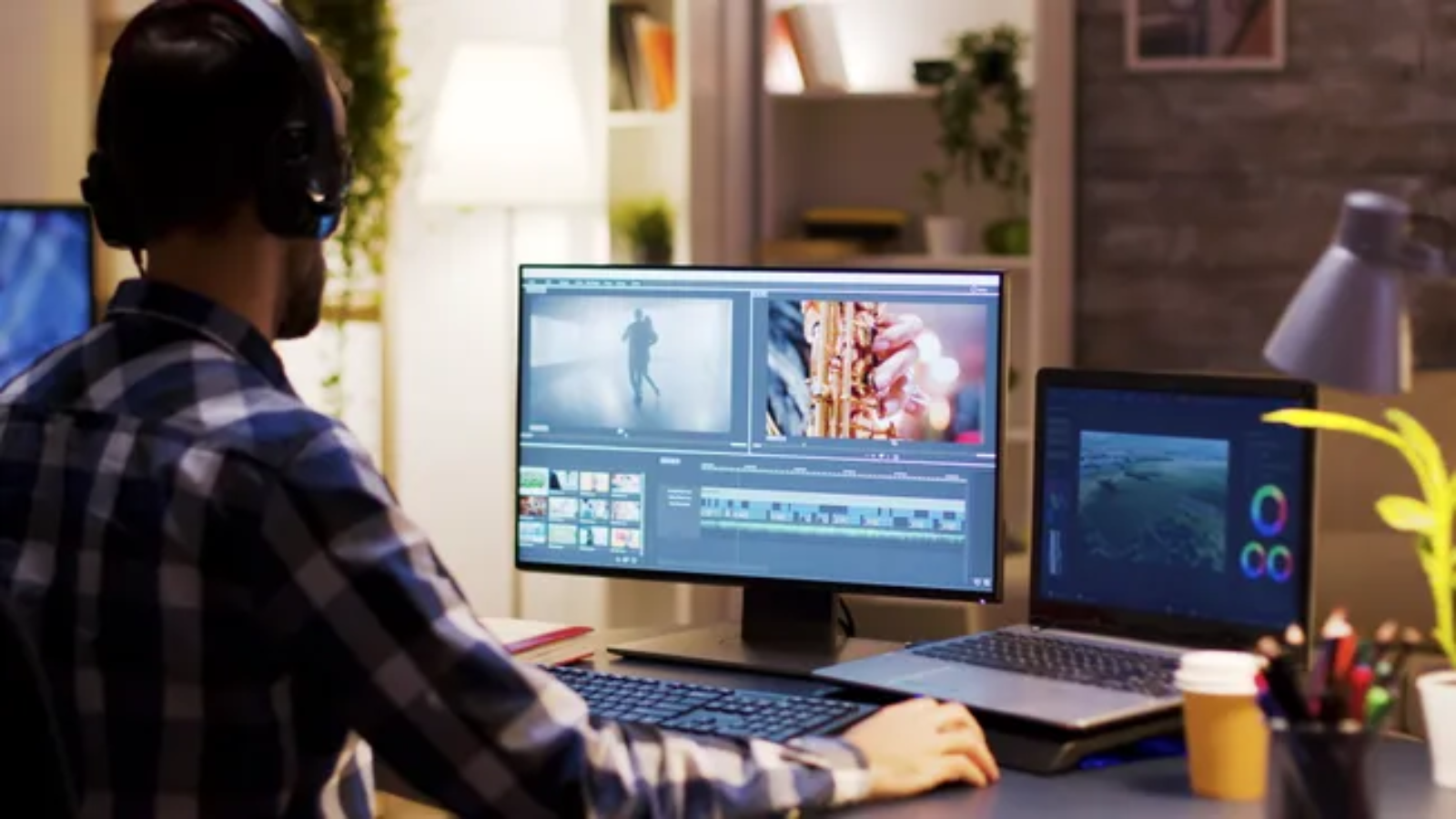
Creating professional-looking videos no longer requires expensive editing suites or a Hollywood-level setup. Whether you’re making YouTube videos, social media clips, online courses, business presentations, or short films, today’s free video editing software provides powerful tools that were once only available in premium applications.
Modern free editors now include advanced features such as 4K editing, color correction, motion graphics, AI-powered tools, audio enhancement, and multi-track timelines. Some are designed for complete beginners, while others offer professional workflows used by filmmakers and content creators.
Choosing the right editor depends on your experience level, computer performance, and the type of content you create.
This guide compares the best free video editing software in 2026 and explains which tool is right for different creators.
What Is Free Video Editing Software?
Free video editing software allows users to edit, arrange, enhance, and export videos without purchasing a paid license.
Most modern editors support:
- Cutting and trimming clips
- Adding transitions
- Color adjustments
- Audio editing
- Text and titles
- Effects
- Exporting videos
- Social media formatting
Advanced tools may also include:
- Motion graphics
- AI editing
- Green screen effects
- Professional color grading
- Multi-camera editing
What Makes a Good Free Video Editor?
Before installing any software, consider these factors:
Ease of Use
Beginners usually need:
- Simple timeline controls
- Drag-and-drop editing
- Templates
- Quick exports
Professional editors may prefer deeper customization.
Export Quality
A strong free editor should support:
- Full HD exports
- 4K video support
- Multiple file formats
- High-quality rendering
No Watermarks
Some free editors add watermarks unless you upgrade. The best free options allow clean exports.
Platform Compatibility
Check support for:
- Windows
- macOS
- Linux
- iOS
- Android
- Browser editing
Best Free Video Editing Software in 2026
1. DaVinci Resolve
Best Overall Free Video Editing Software
DaVinci Resolve is widely considered one of the most powerful free video editors available. It combines professional editing, visual effects, color correction, and audio production inside one application.
Originally known for Hollywood-level color grading, Resolve has grown into a complete post-production platform.
Key Features
- Professional timeline editing
- Advanced color grading
- Visual effects through Fusion
- Fairlight audio tools
- Motion graphics
- Multi-camera editing
- High-quality exports
- AI-assisted features
The free version is powerful enough for many filmmakers, YouTubers, and professional creators.
Best For
- YouTube creators
- Filmmakers
- Advanced editors
- Professional projects
Pros
✔ Professional-grade tools
✔ No watermark
✔ Advanced color correction
✔ Windows, Mac, and Linux support
Cons
✘ Requires a powerful computer
✘ Learning curve for beginners
2. CapCut
Best Free Editor for Social Media Creators
CapCut has become extremely popular among creators because it combines simplicity with powerful editing features.
Originally known as a mobile editor, CapCut now supports desktop and web versions.
Features Include
- Timeline editing
- Templates
- Auto captions
- Effects
- Filters
- AI tools
- Background removal
- Social media exports
It is especially popular among:
- TikTok creators
- Instagram creators
- YouTubers
Pros
✔ Beginner-friendly
✔ Strong AI features
✔ Works across devices
✔ Fast social media editing
Cons
✘ Some advanced tools require Pro subscription
3. Microsoft Clipchamp
Best Free Video Editor for Beginners
Clipchamp focuses on making video editing simple.
Owned by Microsoft, it is available through browsers and Windows integration.
It is ideal for users who want quick results without learning complex software.
Features
- Drag-and-drop editor
- Templates
- Screen recording
- Webcam recording
- Text-to-speech tools
- Stock media library
- Social media templates
Clipchamp’s free version supports useful features including 1080p exports.
Best For
- Students
- Small businesses
- Simple projects
4. Shotcut
Best Open-Source Video Editor
Shotcut is a free, open-source video editor designed for users who want flexibility without subscriptions.
It supports:
- Multiple video formats
- Timeline editing
- Filters
- Audio tools
- Color correction
Because it is open-source, users get full access without premium restrictions.
Pros
✔ Completely free
✔ No watermark
✔ Lightweight
✔ Regular updates
Cons
✘ Interface feels less modern
5. OpenShot
Best Simple Open-Source Editor
OpenShot is designed for beginners who need basic editing without complicated menus.
Features include:
- Video trimming
- Animations
- Titles
- Transitions
- Audio editing
- Unlimited tracks
It works well for:
- School projects
- Basic YouTube videos
- Family videos
- Quick edits
6. Apple iMovie
Best Free Video Editor for Mac Users
iMovie comes free with Apple devices and remains one of the easiest video editors available.
It offers:
- Simple timeline editing
- Movie templates
- Transitions
- Color adjustments
- Audio editing
- 4K support
For beginners using Mac, iPhone, or iPad, iMovie is often enough.
7. Lightworks
Best for Users Learning Professional Editing
Lightworks has been used in professional video production environments and offers a powerful free version.
Features include:
- Professional timeline
- Effects
- Audio tools
- Export options
- Advanced workflows
It is better suited for users willing to learn professional editing concepts.
Best Free Video Editing Software Comparison
| Software | Best For | Platform | Skill Level |
|---|---|---|---|
| DaVinci Resolve | Professionals | Windows/Mac/Linux | Advanced |
| CapCut | Social media | Desktop/Mobile/Web | Beginner |
| Clipchamp | Quick edits | Windows/Web | Beginner |
| Shotcut | Open-source users | Windows/Mac/Linux | Intermediate |
| OpenShot | Simple editing | Windows/Mac/Linux | Beginner |
| iMovie | Apple users | Mac/iOS | Beginner |
| Lightworks | Film editing | Windows/Mac/Linux | Advanced |
Best Free Video Editor for YouTube
For YouTube creators:
Beginners
Recommended:
- CapCut
- Clipchamp
- iMovie
They provide fast editing, templates, and simple workflows.
Advanced Creators
Recommended:
- DaVinci Resolve
- Lightworks
These provide professional controls for long-form content.
Best Free Video Editor Without Watermark
Some of the best no-watermark options include:
- DaVinci Resolve
- Shotcut
- OpenShot
- iMovie
These allow creators to export clean videos without forced branding.
How AI Is Changing Video Editing Software
AI is becoming a major part of modern video creation.
New editing tools can help with:
- Automatic captions
- Background removal
- Audio cleanup
- Scene detection
- Smart trimming
- Video enhancement
- Text-based editing
Instead of replacing editors, AI helps reduce repetitive work so creators can focus more on storytelling.
Free vs Paid Video Editing Software
Free Editors
Advantages:
- No cost
- Great for learning
- Many professional features
- Good enough for most creators
Limitations:
- Some advanced effects locked
- Limited cloud features
- Less premium support
Paid Editors
Better for:
- Professional studios
- Large productions
- Team workflows
- Advanced effects
However, many creators can produce high-quality videos using only free software.
How to Choose the Right Video Editor
Choose based on your needs:
For beginners:
CapCut, Clipchamp, iMovie
For YouTube:
DaVinci Resolve, CapCut
For filmmaking:
DaVinci Resolve
For older computers:
Shotcut, OpenShot
For social media:
CapCut
Future of Free Video Editing Software
Free editing tools are becoming more powerful every year.
Future improvements will likely include:
- More AI automation
- Faster rendering
- Cloud collaboration
- Better mobile editing
- Smart video generation
- Real-time effects
Professional-quality editing will continue becoming more accessible to everyday creators.
Final Verdict
The best free video editing software depends on your goals and experience.
For professional-quality projects, DaVinci Resolve is the strongest free option thanks to its editing, color, audio, and visual effects tools. For social media creators, CapCut provides a fast and beginner-friendly workflow. Clipchamp is ideal for simple everyday editing, while Shotcut and OpenShot remain excellent open-source alternatives.
Whether you’re starting a YouTube channel, creating business videos, or learning filmmaking, today’s free editors provide more than enough power to create impressive content without paying for expensive software.
Frequently Asked Questions
What is the best free video editing software?
DaVinci Resolve is considered one of the best free video editors because it provides professional editing, color correction, visual effects, and audio tools.
Which free video editor is best for beginners?
CapCut, Clipchamp, and iMovie are excellent beginner-friendly options because they offer simple interfaces and quick editing tools.
Can free video editing software edit 4K videos?
Yes. Many free editors, including DaVinci Resolve and CapCut, support 4K video editing.
Is free video editing software good enough for YouTube?
Yes. Many YouTubers use free editors because they provide professional features without requiring expensive subscriptions.
Which free video editor has no watermark?
DaVinci Resolve, Shotcut, OpenShot, and iMovie allow users to export videos without forced watermarks.